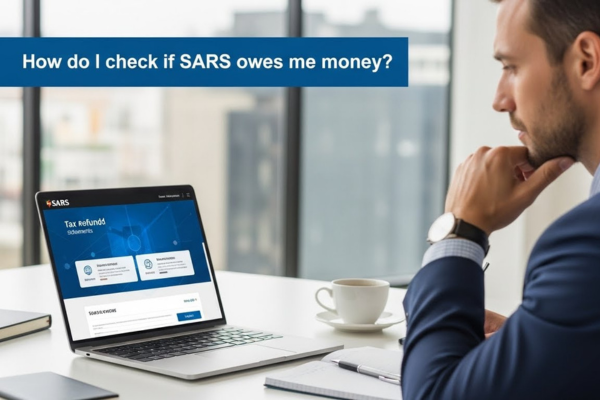
How do I check if SARS owes me money?
A tax refund is not a bonus or a discretionary payment.
Choose one option to continue:
💳 Best Accounts For SARS Refund 📉 Use SARS Tax Refund For Debt ⚠️ If I Owe SARS Money HelpIt is the return of money that was overpaid during the tax year due to excess deductions, provisional payments, or assessment adjustments.
Recovering this amount requires careful review of your tax records and confirmation that all administrative requirements have been met.
This guide explains how to identify a refund, confirm its approval status, and remove common obstacles that delay payment through the eFiling system.
Phase 1: Reviewing the Statement of Account (ITSA)
The most reliable source for refund information is the Income Tax Statement of Account (ITSA). This document records all transactions between you and the revenue authority, including assessments, payments, penalties, and credits.
1. Accessing the Statement of Account
Log in to the secure eFiling portal and locate the “Account Enquiries” section in the main menu.
Select “Statement of Account” and choose the relevant tax period. You may request a statement for the last six months or for a specific year, depending on the refund you are reviewing. Once selected, submit the request to generate the ledger.
2. Identifying a Credit Balance
Within the ITSA, focus on the balance summary. A refund is typically indicated by a negative balance or a credit notation (often shown as “Cr”).
If the balance amount displays a negative value, this means the system has recorded an overpayment. This amount represents money allocated for refund, subject to verification and administrative checks. While a negative balance does not guarantee immediate payment, it confirms that a credit exists on your account.
Phase 2: Confirming the Notice of Assessment (ITA34)
Before any refund can be released, a formal assessment must be completed. This assessment is documented in the Notice of Assessment, commonly referred to as the ITA34.
3. Locating the Assessment
Navigate to the “History” section under Personal Income Tax and open the most recent ITA34. This document explains how your tax was calculated and why a credit or debit balance exists.
Scroll to the summary section and locate the line indicating whether the return was selected for audit or verification. If a refund has been calculated but not paid, the return is often undergoing standard verification.
4. Understanding Verification Timeframes
Standard verifications are typically finalised within 21 business days, provided all requested supporting documents were submitted correctly and on time. During this period, the refund remains on hold.
If the verification status shows as finalised and the ITSA still reflects a negative balance, you can proceed to check administrative requirements that may be blocking payment.
Phase 3: Removing Administrative Barriers
Even when a refund is approved, certain issues can prevent the funds from being transferred.
5. Verifying Banking Details
One of the most common causes of delayed refunds is unverified or rejected banking information. Access the “Maintain Data” or profile management section and review your banking details.
Your bank account status must show as “Verified.” If it appears as pending or rejected, you will need to upload valid supporting documents, such as a bank-stamped confirmation letter or a recent statement.
All personal details must match exactly across your tax profile, identification records, and bank account. Any discrepancy can result in payment being withheld.
6. Checking for Outstanding Debt
If you have unpaid tax, penalties, or interest from previous periods, the system may apply a set-off. This means the refund is automatically used to settle outstanding amounts.
Review your ITSA for entries labelled as journal adjustments or credit offsets. These transactions indicate whether your refund was applied to existing liabilities instead of being paid out.
Phase 4: Tracking the Refund Payment
Once verification is complete, banking details are confirmed, and no debt remains, the refund process becomes automated.
7. Monitoring the Electronic Payment
Refunds are paid via Electronic Funds Transfer (EFT). On your Statement of Account, look for a transaction description such as “Refund Payment” or “Disbursement.”
Once this entry appears, the funds typically reflect in your bank account within 48 to 72 hours, depending on banking processing times.
Summary
Successfully claiming a tax refund requires more than submitting a return. It involves reviewing your account ledger, understanding assessment outcomes, completing verification requirements, and ensuring accurate banking information.
By regularly monitoring your Statement of Account and maintaining updated profile details, you reduce delays and ensure that any overpaid tax is returned as efficiently as possible. Transparency, accuracy, and follow-up are key to timely refunds.